

"The ads are working, we get plenty of leads, but hardly any of them buy." It is one of the most common things we hear from service businesses, and one of the most misunderstood. Usually it is treated as a sales problem or written off as "Google leads are rubbish". Sometimes that is true. More often, the account has been tuned to produce the cheapest possible enquiry, and cheap enquiries are cheap for a reason.
This guide explains why that happens, how to work out exactly where enquiries are being lost, and what to change.
Why a cheap lead can be the expensive one
Compare two months for the same business:
| Month A: "cheap leads" | Month B: "expensive leads" | |
|---|---|---|
| Ad spend | £1,200 | £1,200 |
| Enquiries | 60 | 24 |
| Cost per lead | £20 | £50 |
| Genuine prospects | 18 | 19 |
| Jobs booked | 5 | 10 |
| Cost per booked job | £240 | £120 |
Illustrative example, not a benchmark.
Month A looks better in a dashboard. Month B made twice as many sales from the same money, and the team spent far less time chasing people who were never going to buy. If you or your agency are judged on cost per lead, the account will drift towards Month A every time.
Step 1: find out where the leads are being lost
Take the last 30 to 60 days of enquiries from ads and sort every one into a bucket. A spreadsheet is fine.
- Not a real lead: spam, wrong number, supplier, job seeker, duplicate.
- Real but unsuitable: out of area, wrong service, budget far too low.
- Not contacted: missed call never returned, form never followed up.
- Contacted, not quoted: went quiet, booked elsewhere before you called.
- Quoted, not won.
- Won.
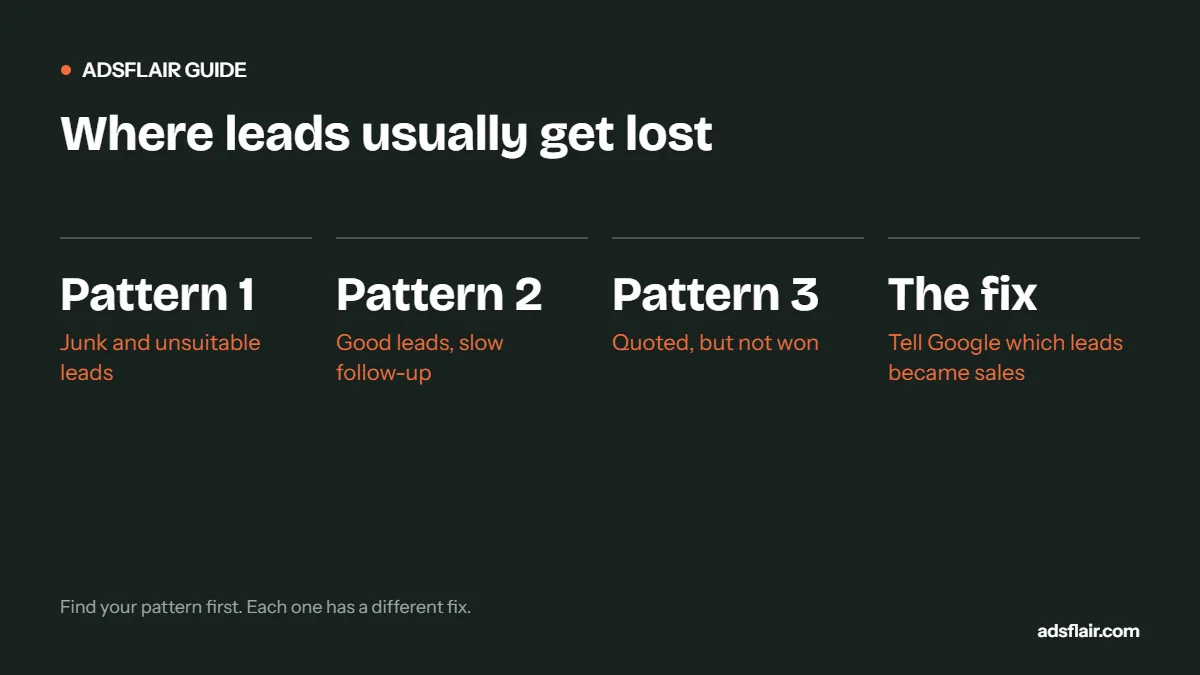
The biggest bucket tells you where the problem is. It is almost always one of three patterns.
Pattern 1: lots of junk and unsuitable leads
If buckets 1 and 2 are large, the account is paying for the wrong searches or the wrong people. Common causes:
- Broad match without enough negatives. Check the search terms report for jobs, DIY, cheap and free searches, and services you do not offer.
- Location settings including people "interested in" your area rather than people actually in it.
- Conversion tracking counting the wrong thing. If button clicks or 5-second calls count as leads, automated bidding hunts for more of them.
- Display or Performance Max inventory sending low-intent traffic. One US dataset of 816 HVAC and plumbing contractors found Performance Max leads cost about half as much as non-branded search leads, but booked at a lower rate (32% against 38%). Cheaper at the lead stage does not always mean cheaper at the job stage.
- Ads and landing pages that do not qualify. No prices, no minimum job size, no service area, a one-field form.
Pattern 2: good leads, slow or missed follow-up
If bucket 3 or 4 is large, the leads may be fine. The response is not.
Source: research published in Harvard Business Review, "The Short Life of Online Sales Leads" (2011), as reported by SmartCompany. US data, but the principle holds.
For phone leads, missed calls are the same problem. Moneypenny research found that 69% of callers who reach voicemail hang up without leaving a message. For urgent trades, that caller is usually booked with someone else within the hour.
Fixes: send form enquiries to a phone as well as an inbox; set a target of replying within an hour in working hours; use an answering service or instant text-back for missed calls; schedule call ads only when someone can answer.
Pattern 3: quoted, but not won
If bucket 5 dominates, the leads are real and you are reaching them, but you are losing on price, speed of quote or trust. Google Ads can help at the edges, by attracting people whose budget matches your price and by putting reviews and guarantees on the landing page, but the bigger levers sit in the sales process: how quickly quotes go out, whether you follow up, and how the quote is presented.
How to make Google chase sales, not leads
Once you know which leads become jobs, tell Google. With offline conversion import, you upload booked jobs, matched to the original ad click, and set them as the primary goal. Google allows GCLID-based uploads for up to 90 days after the click, and recommends uploading daily or on a regular schedule. Over a few weeks, bidding shifts towards the searches, times and areas that produce customers rather than form-fillers.
Until you have enough data for that, a simpler step helps: make only genuine enquiries primary conversions (calls over a minimum length, forms with a postcode and job type), and keep everything else as secondary.
Qualify before the click, not after
- Put prices or "from" prices in ads. It lowers click-through rate a little and lifts lead quality a lot.
- Name the area. "Serving Leicester and within 15 miles" in the ad and on the page.
- Ask two qualifying questions on the form. Postcode and job type are usually enough; budget band for high-ticket work.
- Say what happens next. "We call back within the hour to arrange a visit" filters out people only collecting prices.
Change what you measure
Stop judging the account on cost per lead alone. Report three numbers every month, by campaign: cost per lead, booking rate and cost per booked job. If cost per lead rises but cost per booked job falls, that is a better month, even if the dashboard looks worse.
A quick diagnostic
| If most lost leads are… | The problem is usually… | Start with… |
|---|---|---|
| Spam, wrong numbers, job seekers | Targeting and tracking | Search terms, negatives, conversion settings |
| Out of area or wrong service | Location settings and ad copy | Presence-only targeting, clearer ads |
| Never contacted | Lead handling | Response time, missed calls |
| Quoted, not won | Price, trust or quote speed | Sales process, landing page proof |
For the economics in more depth, read £50 lead vs £100 lead: which makes more money? and our guide to tracking Google Ads leads through to revenue.
How to sort enquiries quickly
If going through 60 days of enquiries sounds like too much, sample. Take the last 40 enquiries from ads, listen to the calls or read the forms, and put each into one of the six buckets. Forty is enough to see the pattern. Repeat monthly and track how the buckets change as you make fixes.
| Bucket | Count (example) | Share |
|---|---|---|
| Not a real lead | 9 | 23% |
| Real but unsuitable | 7 | 18% |
| Not contacted | 8 | 20% |
| Contacted, not quoted | 5 | 13% |
| Quoted, not won | 6 | 15% |
| Won | 5 | 13% |
Illustrative example. In this case, 41% of leads were junk or unsuitable (targeting problem) and 20% were never contacted (follow-up problem). Fixing either would roughly double the jobs from the same spend.
Questions to ask your team
- Who answers calls from ads, and what happens when they cannot?
- How quickly are web forms followed up, and by whom?
- How many attempts do we make before giving up on a lead?
- Do we record why quotes are lost?
The answers often reveal more than any Google Ads report. A business that converts 50% of qualified leads and one that converts 15% can run identical campaigns and reach opposite conclusions about whether Google Ads works.
Want this set up and run for you? See our lead and sales tracking.
Frequently asked questions
Why am I getting leads from Google Ads but no sales?
Usually one of three reasons: the account is buying low-intent searches, leads are not followed up fast enough, or quotes are lost on price or trust. Sort a month of enquiries by outcome to see which.
Is a lower cost per lead always better?
No. A £20 lead that rarely books can cost more per job than a £50 lead that books half the time. Judge campaigns on cost per booked job.
How fast should I respond to Google Ads leads?
Within an hour where possible. Research published in Harvard Business Review found firms contacting leads within an hour were nearly seven times as likely to qualify them as firms that waited an hour longer.
How do I make Google Ads optimise for sales instead of leads?
Import booked jobs as offline conversions matched to the ad click (GCLID) and make them the primary conversion goal once you have enough volume.
Related guides
- Google Ads Not Generating Leads? 12 Reasons
- Google Ads Conversion Tracking for Local Service Businesses
- Google Ads for Plumbers: Cost per Booked Job
Sources
- SmartCompany summary of "The Short Life of Online Sales Leads" (Harvard Business Review, 2011)
- Small Business UK, Moneypenny research on voicemail hang-ups
- The AdSpend, HVAC Google Ads benchmarks (SearchLight Digital US data, January 2026)
- Google Ads Help: Offline conversion imports FAQs
Leads coming in but not turning into work?
Ask for a free Google Ads review. We will sort your recent enquiries by outcome and show you whether the fix is targeting, tracking or follow-up. You can also see how we run PPC management services.
Get My Free Google Ads Reviewor book a 30-minute call or message us on WhatsApp